
Need to verify a candidate before you hire?
Get fast, clear employee background verification reports with digital checks in as little as 12 hours — backed by deeper investigation support when required.
Fast turnaround time
All-in-one verification platform
2000+ locations
ISO 27001 Certified
Expert support at every step
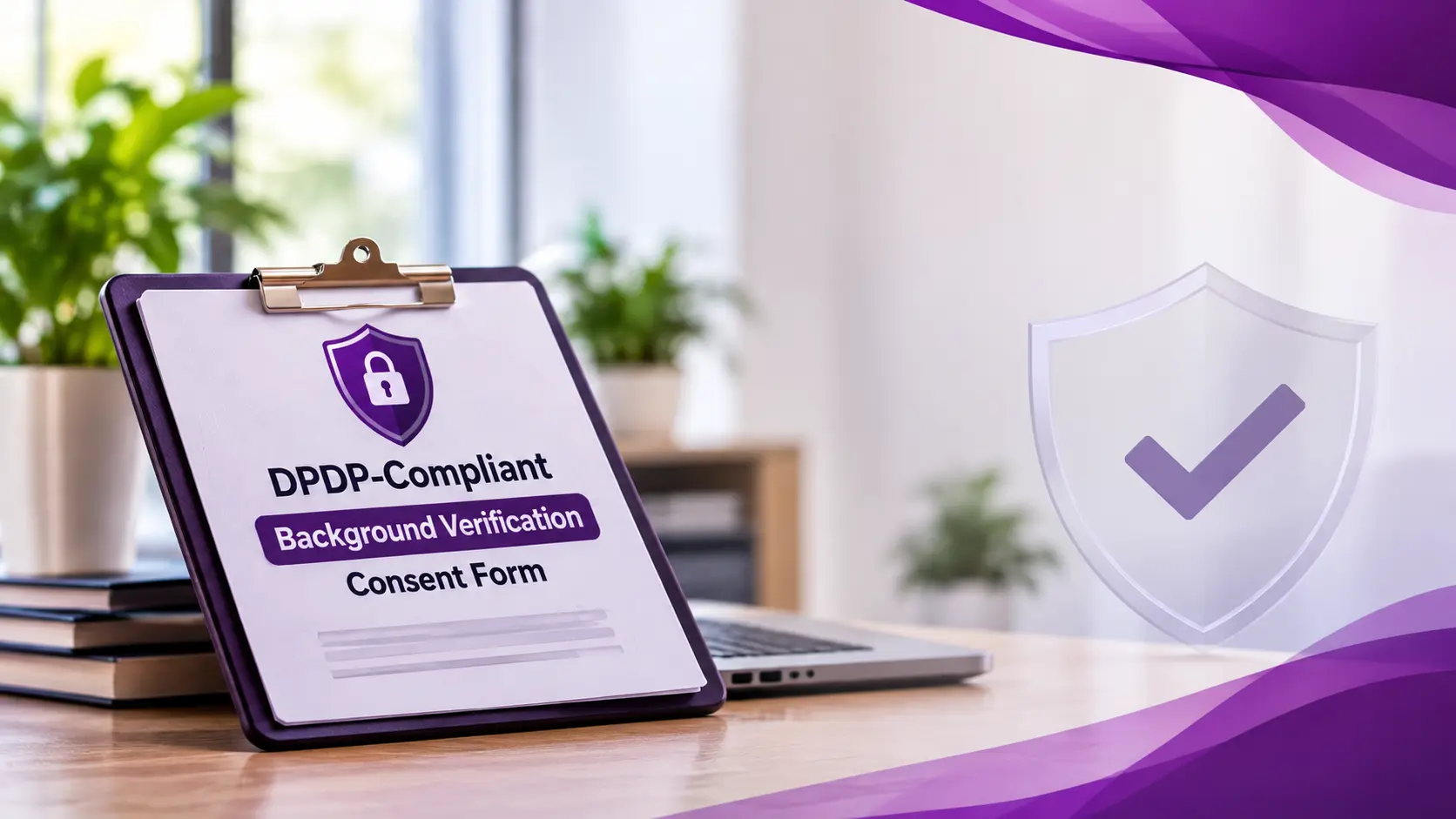
The consent form is the most important document in a background check. Every check starts with it, and every audit asks to see it. Under the DPDP Act, a weak form can turn a normal hiring step into a compliance risk. The notice and consent rules start on 13 May 2027, so employers who fix their form now won’t have to rush later. This guide explains what a DPDP-compliant background verification consent form needs and how to use it.
The DPDP Act gives two legal reasons for using someone’s personal data. One is consent. The other is a list of allowed uses. Section 7(i) covers using data for employment and for protecting an employer from loss or legal liability.
Law firms don’t fully agree on how far this goes. A candidate who hasn’t joined yet isn’t an employee, and a third-party verification company adds even more risk. That’s why many advisers recommend getting consent whenever things are unclear.
A consent form that employers in India can prove is the safer choice. The Act says the employer has to prove that notice and consent were given.
Rule 3 of the DPDP Rules 2025 sets the standard. The notice must:
The consent also has to be free, specific, informed, unconditional and clear. The candidate must take a clear action to say yes, like clicking a confirmation button. The notice has to be available in English or any language in the Eighth Schedule. These consent requirements apply to every candidate whose data you use based on consent.
Part | What to Write |
Checks covered | Identity, address, education, employment, criminal records, references and any checks specific to the role |
Data collected | Each document and piece of data, listed separately |
Purpose | Checking the candidate’s details before a hiring decision |
Sharing | The verification company and the sources it contacts, like universities, past employers and court databases |
Retention | How long the data is kept and when it is deleted |
Withdrawal | An easy way to withdraw consent, just as easy as giving it |
Rights and complaints | How to see, correct or delete data, and who to contact with a complaint |
Record | The date, the time and a clear action, like a digital confirmation |
I agree that [Company] and its verification partner [Vendor] can use my identity, address, education, employment and criminal record details to check the information I gave for [role]. The data will only be used for this purpose, shared only with the sources needed to check it and kept for [retention period]. I can withdraw this consent at any time by writing to [contact]. I understand how to see, correct or delete my data and how to complain to the Data Protection Board.
Change the clause so it fits the role and the checks. Ask a lawyer to review the final wording.
These six mistakes happen the most in an employee background verification consent form:
The risk is serious. If a company doesn’t keep reasonable security safeguards, it can face penalties of up to INR 250 crore.
Digital consent works better than paper. The candidate gets the notice, reads it and confirms with a clear action. The system saves the date, the time and which version of the form they accepted. That record becomes proof in an audit. Paper forms can get lost, but digital records don’t.
Follow these three steps:
Good data protection needs all three steps to work together.
DPDP Act compliance for employers comes down to seven actions:
The consent manager rules begin on 13 November 2026. The main rules follow on 13 May 2027.
A good DPDP-compliant background verification consent form is short, specific and separate. It protects the candidate and the employer equally.
At Millow, our digital background check platform builds consent collection, audit trails and data deletion into the verification process. Millow completes background verification in 12 hours, with every check built around consent. Get started with Millow today.
Q: Can I use one consent form for every role?
You can use one base form, but each check should match the role. Collect only the data the role needs. For example, a criminal check on every role with no reason is too much.
Q: Can I take consent by email or WhatsApp?
Consent needs a clear action from the candidate, and you need a record of it. Digital consent works better than paper because it saves the date, the time and the version of the form they accepted. A plain “okay” in a chat is hard to prove in an audit.
Q: What if a candidate refuses to give consent?
Without consent, running the check is risky, because the employer has to prove notice and consent were given. Talk to your legal counsel about how to handle the hire in that case.
Q: Do I need separate consent for each check?
The form must list each check and each piece of data it covers, so the candidate knows exactly what they are agreeing to. A vague, blanket “I agree to all checks” is a common mistake.
Q: If a verification company handles the checks, is it responsible for the data?
Not fully. The vendor processes the data for you, but you remain responsible as the Data Fiduciary. Sign a Data Processing Agreement with every vendor.
Q: How fast can Millow complete a background check?
Millow completes background verification in 12 hours. The exact time can vary with the checks you choose and the candidate’s records. Visit www.millow.io or call 011 41219183 to get started.
Quick, Reliable and Secure
Verifications in 12 Hours
Reduce hiring delays
Multiple verification checks
PAN India coverage
Secure & compliant process
Get fast, clear employee background verification reports with digital checks in as little as 12 hours — backed by deeper investigation support when required.